Online Safety
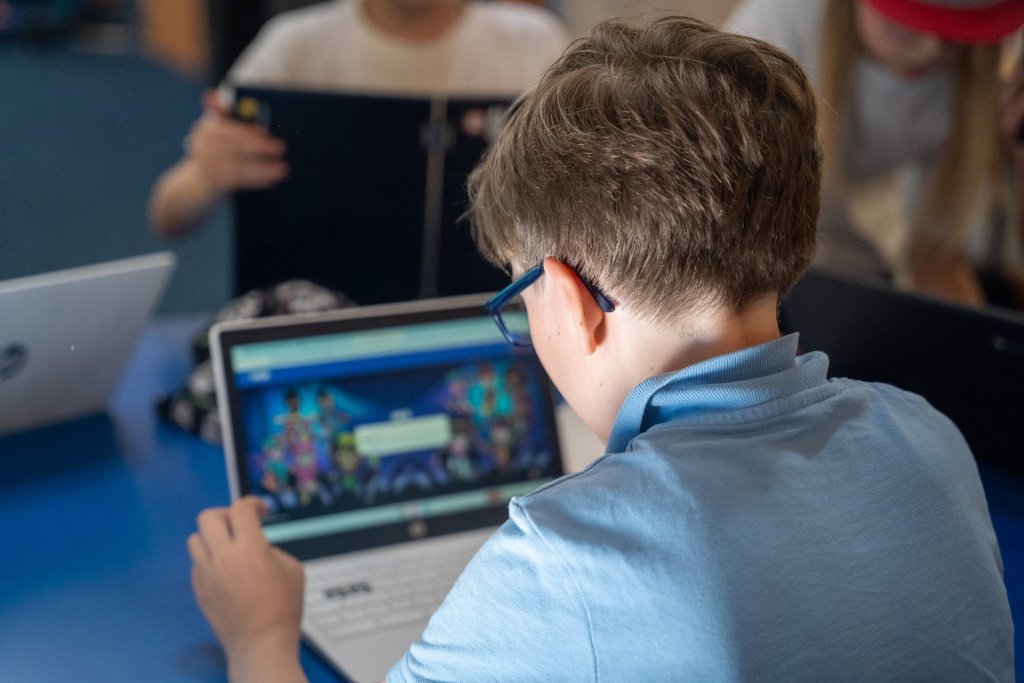
Our pupils grow up in a world full of technology. While it offers many benefits, it also comes with risks. At school, we teach children to:
- Recognise and respond to cyber-bullying.
- Communicate safely online and be cautious about what they share.
- Tell a trusted adult if something online is upsetting.
- Question the reliability of online information.
- Search responsibly when using the internet.
Much of children’s online activity happens at home, so parental involvement is essential.
Social Media Guidance
- Most platforms require users to be 13+, but many younger children still create accounts.
- Talk to your child before they join social media. Research shows parental guidance can prevent underage use.
- If your child already has an account, discuss why and explain your concerns before taking action.
- Some platforms allow reporting underage accounts:
- Facebook: Report underage account
- Instagram: Report underage account
- Twitter: Use the privacy form to report underage users.
- YouTube: Restricted Mode limits mature content; accounts require age 13+. Report underage accounts via the abuse form.
YouTube Safety Tips
- Enable Restricted Mode: Go to the bottom of any page, switch it on, and save.
- Lock Restricted Mode using a Google account.
- Watch videos with your child and monitor related video suggestions.
Useful Resources
- NSPCC – Share Aware: Link
- Childnet – Parents & Carers: Link
- CEOP – Online Protection: Link
- Thinkuknow – National Crime Agency: Link
- Internet Matters – Guides & Advice: Link
- National Online Safety – Platform Guides: Link
- Safer Internet – Parent Guides: Link
Apps & Social Media:
Check Internet Matters for up-to-date advice on app features, age limits, and safety settings.
Reporting Harmful Content
- CEOP: Report online abuse or exploitation.
- Resources for parents: Online Safety Parent Presentation